
Blue screens, freezes and random restarts
A blue screen with a sad face and a stop code, a laptop that freezes solid, or one that restarts itself without warning. Crashes are a symptom with many possible causes, and guessing gets expensive.
What causes crashes
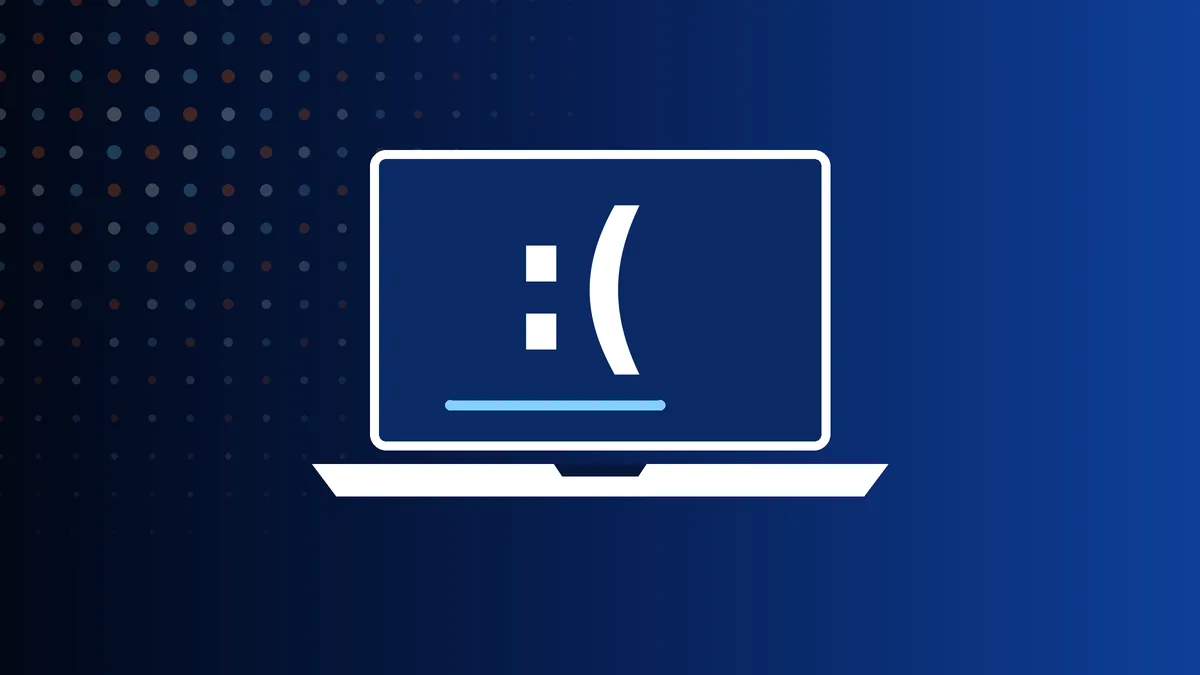
Windows shows a blue screen when it hits an error it cannot recover from. The stop code on screen is a clue, not a diagnosis: the same code can come from faulty memory, a failing drive or a bad driver.
The pattern is often more useful than the code. Crashes under load suggest heat or power. Crashes at random, even when idle, suggest memory. Crashes that began after an update or a new device suggest software. Crashes that are getting more frequent suggest hardware that is on its way out.
Useful things to note
- The stop code, for example MEMORY_MANAGEMENT or CRITICAL_PROCESS_DIED. A phone photo is ideal.
- What you were doing each time: gaming, video calls, waking from sleep, or nothing at all.
- Anything that changed just before it started: an update, new software, a new printer or dock.
- Whether it also crashes on battery, or only when plugged in.
If you are comfortable doing so, run Windows Memory Diagnostic from the Start menu and let it finish. Errors there mean the memory needs replacing. A clean result does not rule memory out, but it narrows things down.
How we fix it
We test the hardware first, because no amount of reinstalling fixes a faulty part. Memory is tested module by module, the drive is checked for errors, and the laptop is run under sustained load with temperatures logged. If the hardware passes, we examine the crash records Windows keeps and deal with the driver or system fault they point to.
You get a fixed price for the cause we find, whether that is a memory module, a new SSD, a cooling service or a Windows repair.
Common questions
Will reinstalling Windows stop the blue screens?
Only if the cause is software. If memory or the drive is faulty, the crashes come back within days and you have lost your set-up for nothing. Test the hardware first.
Is it safe to keep using a laptop that crashes?
Each crash risks corrupting whatever was open. Back up your files now, and avoid long unsaved work until the cause is found.
Related pages
 Won't Turn OnNo lights, no fan, no response to the power button.
 Not ChargingPlugged in but the battery percentage will not rise.
 Cracked or Broken ScreenCracks, lines, black blotches or a touchscreen that ignores you.
 Black Screen, No DisplayLights and fan come on, but there is no picture.
 Overheating and Fan NoiseHot to the touch, noisy fan, or sudden shutdowns.
 Running SlowMinutes to start, constant freezing, the spinning circle.
 Liquid SpillWater, tea, coffee or wine in the keyboard. Act quickly.
 Keyboard or Trackpad FaultDead keys, repeating letters or a trackpad that will not click.
 Won't Boot into WindowsStuck on the logo, repair loops, or "no bootable device".
 Battery Drains FastAn hour or less on battery, or a case that has started to bulge.
 No Wi-Fi or BluetoothNo networks found, weak signal or constant drop-outs.
 Broken Hinge or CasingA stiff or snapped hinge, or a lid that is splitting open.
 Viruses and Pop-upsFake warnings, hijacked browsers and scam callers.
Get a price from a technician
Tell us the make, the model and what has gone wrong. A technician replies with a price and the quickest way to get your laptop to us – normally the same working day.
020 7237 6805 Creative IT workshopUnit 1, 80 Willow Walk, London SE1 5SY
Monday to Saturday, 9am–6pm