
How data recovery works
What happens to your drive from the moment it arrives, what the evaluation covers, and what you pay for.
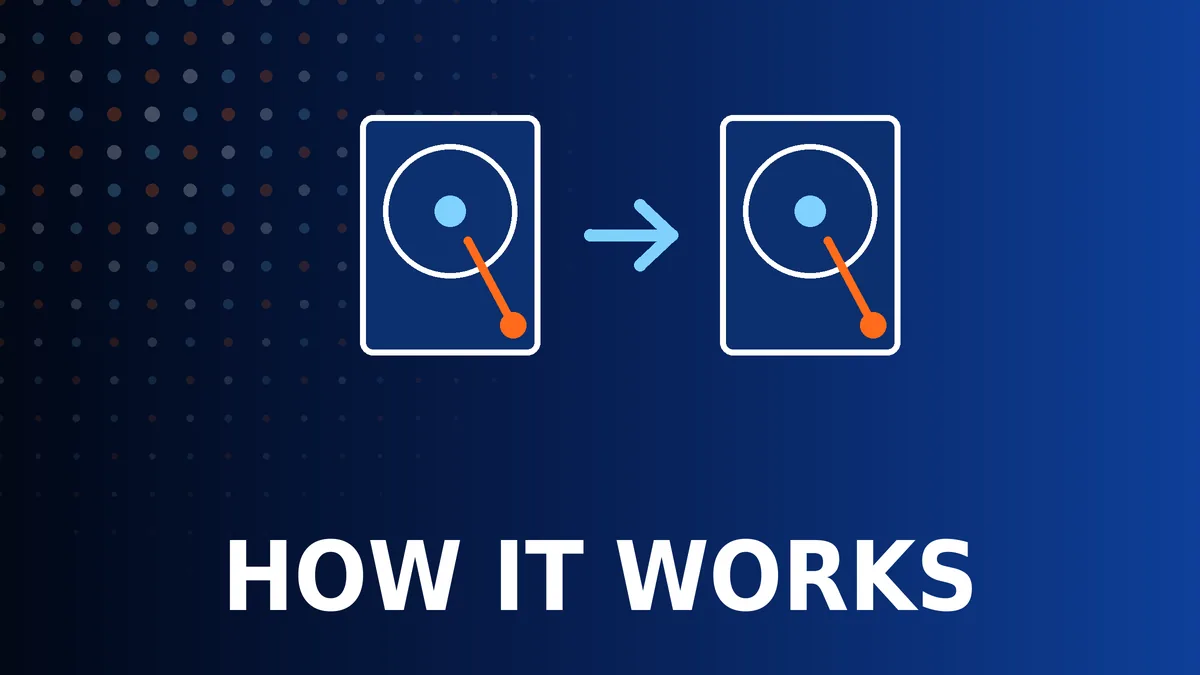
Step by step
- Arrival. The device is logged with your details and the description of what happened.
- Evaluation. We establish the type of fault, the condition of the drive and what is likely to be recoverable. The evaluation is charged at £94.80.
- Fixed price. You receive one price for the recovery, with a realistic timescale. Nothing further is done until you approve it.
- Imaging. The drive is copied sector by sector. On a failing drive this is done with PC-3000 and can take days.
- Recovery. Files and folders are rebuilt from the copy and checked.
- Return. Your data comes back on a new drive, by insured courier or collection.
Why PC-3000
Ordinary recovery software asks the operating system to read the drive. If the drive is unstable, the system keeps retrying until the drive gives up for good.
PC-3000 is a combination of hardware and software made by ACE Lab for recovery laboratories. It connects to the drive directly and controls it at a level no operating system can: reading and repairing firmware, choosing which heads to use, setting how long to wait for a weak sector, and cutting and restoring power to the drive when it stops responding. That control is what makes it possible to copy a drive that a normal computer cannot even detect.
What affects the price and the time
The type of fault
Logical recovery from a healthy drive is at one end. Mechanical faults needing donor parts are at the other.
The size of the drive
A large drive with bad sectors can take many days to copy safely.
The number of disks
RAID and NAS recovery means imaging every disk before the array can be rebuilt.
Encryption
Encrypted volumes add a step, and need your key.
Common questions
What do I get for the evaluation fee?
A diagnosis of what has failed, an assessment of what can be recovered, and a fixed price for doing it.
What happens to my original drive?
It is returned with your data, or securely disposed of if you ask us to.
Who sees my files?
Only the technician working on the recovery, and only as far as is needed to check the result. See confidentiality and data protection.
Related pages
 Hard DrivesDesktop and laptop hard drives that are not detected, slow or noisy.
 SSDs and NVMeSATA, M.2 and NVMe SSDs that have died or are not detected.
 External DrivesPortable and desktop USB drives that were dropped or are not recognised.
 USB Sticks and Memory CardsUSB flash drives, SD, microSD and camera cards.
 RAID and NASSynology, QNAP and server arrays with failed disks or lost volumes.
 Laptops and MacBooksFiles from laptops and MacBooks that will not turn on or start.
 RansomwareWhat to do after an attack, and what can realistically be recovered.
 Deleted and FormattedDeleted files, formatted drives and lost partitions.
 Clicking and Beeping DrivesDrives that click, beep, grind or do not spin.
 Water and Fire DamageDrives and devices after a flood, spill or fire.
 BitLocker and Encrypted DrivesBitLocker, FileVault and hardware-encrypted drives.
 Confidentiality and Data ProtectionICO registration, confidentiality and how your data is handled.
 Sending a DriveHow to pack a drive, NAS or laptop so it arrives safely.
 Mac Data RecoveryEvery MacBook, iMac, Mac mini and Mac Pro from 2009 to 2026, by model.
 Storage 1996 to TodayIDE, SCSI, early SATA, Zip disks, early SSDs and old NAS units.
Get a price from a technician
Tell us the make, the model and what has gone wrong. A technician replies with a price and the quickest way to get your laptop to us – normally the same working day.
020 7237 6805 Creative IT workshopUnit 1, 80 Willow Walk, London SE1 5SY
Monday to Saturday, 9am–6pm