
Laptop battery not holding charge
It used to last an afternoon and now manages forty minutes, or it dies the moment the charger is unplugged. Batteries wear out; the question is whether yours is worn, faulty or unsafe.
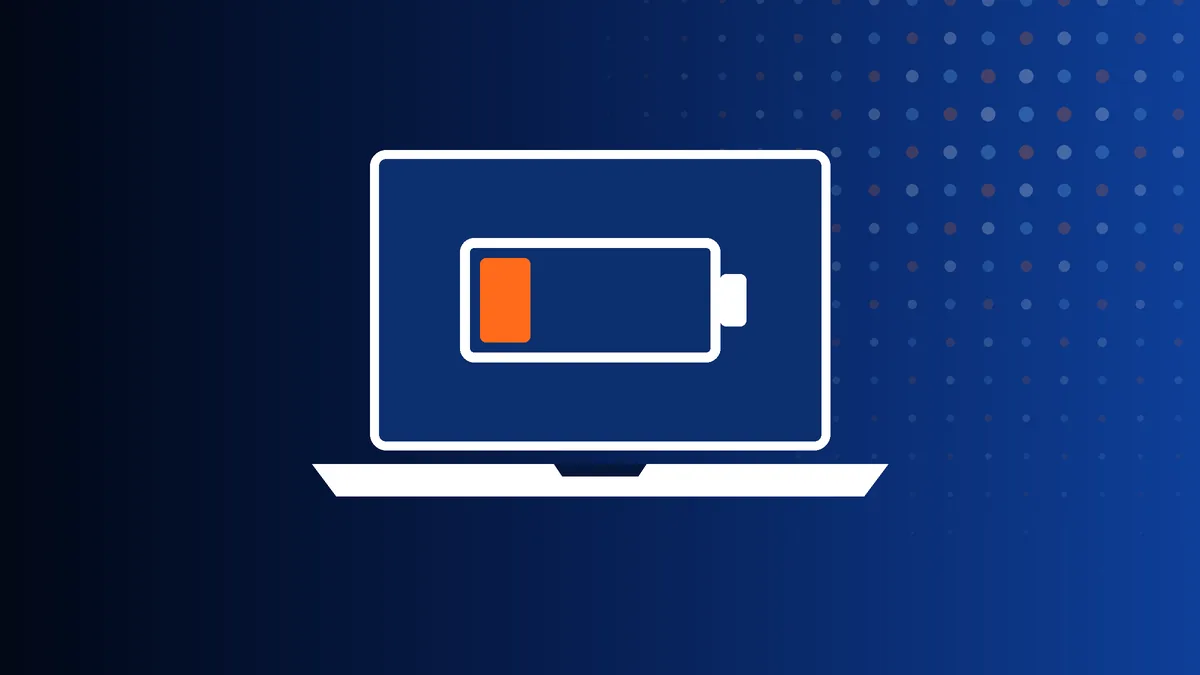
How laptop batteries wear
Every lithium battery loses capacity with each charge cycle and with heat. After a few years of daily use, a battery that holds half of what it did when new is normal wear, and replacement is the only fix.
A sudden change is different. A battery that drops from 40 per cent to zero, will not charge past a certain figure, or is not detected at all has a fault in one of its cells or its control circuit. And a battery that has swollen is a safety issue that should not wait.
Check the battery yourself
Windows can produce a battery report. Open Command Prompt, type powercfg /batteryreport and press Enter, then open the file it creates. Compare "Design capacity" with "Full charge capacity". If the second figure is well under two thirds of the first, the battery is worn out.
- Check for a charge limit in the manufacturer app. Some laptops stop at 60 or 80 per cent on purpose.
- Look in Settings under Battery usage for an app draining power in the background.
- If the laptop will not charge at all, see laptop not charging.
How we fix it
We fit a battery that matches the original part number for your model and test that it charges, holds and reports correctly. On most current laptops the battery is inside the case, and on many it is glued in, so replacement means opening the laptop and removing the old one carefully.
Swollen batteries are removed and disposed of safely. We also check why it swelled, since a charging fault can damage the next battery too.
Common questions
Can a swollen battery go by courier?
Damaged lithium batteries are restricted by couriers. Tell us what you can see and we will advise how to get the laptop to us safely.
Is it bad to leave the laptop plugged in all the time?
It is not harmful in itself, but batteries kept at 100 per cent and warm do age faster. If your laptop offers a charge limit of 80 per cent, use it when working at a desk.
Related pages
 Won't Turn OnNo lights, no fan, no response to the power button.
 Not ChargingPlugged in but the battery percentage will not rise.
 Cracked or Broken ScreenCracks, lines, black blotches or a touchscreen that ignores you.
 Black Screen, No DisplayLights and fan come on, but there is no picture.
 Overheating and Fan NoiseHot to the touch, noisy fan, or sudden shutdowns.
 Running SlowMinutes to start, constant freezing, the spinning circle.
 Liquid SpillWater, tea, coffee or wine in the keyboard. Act quickly.
 Keyboard or Trackpad FaultDead keys, repeating letters or a trackpad that will not click.
 Won't Boot into WindowsStuck on the logo, repair loops, or "no bootable device".
 Blue Screen and CrashesBlue screens, random restarts and freezes.
 No Wi-Fi or BluetoothNo networks found, weak signal or constant drop-outs.
 Broken Hinge or CasingA stiff or snapped hinge, or a lid that is splitting open.
 Viruses and Pop-upsFake warnings, hijacked browsers and scam callers.
Get a price from a technician
Tell us the make, the model and what has gone wrong. A technician replies with a price and the quickest way to get your laptop to us – normally the same working day.
020 7237 6805 Creative IT workshopUnit 1, 80 Willow Walk, London SE1 5SY
Monday to Saturday, 9am–6pm